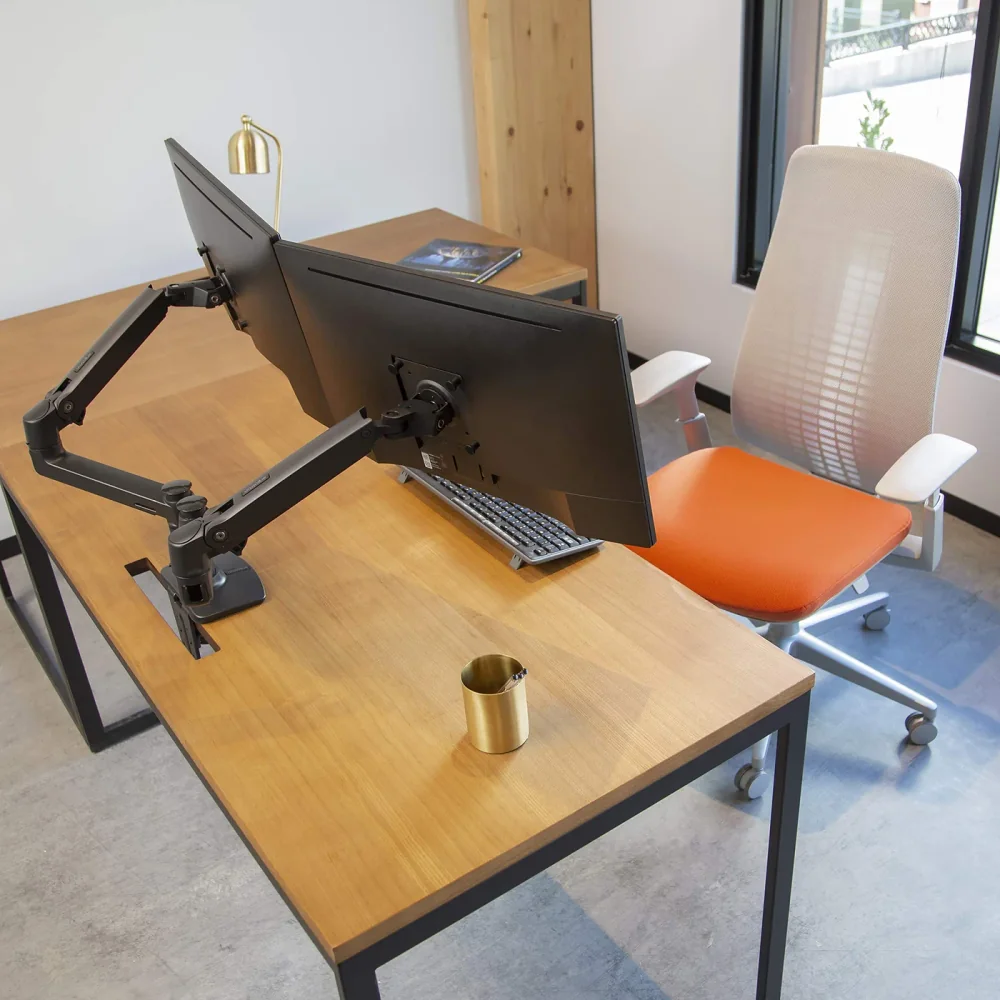
The best monitor arm for desk use is one your monitor weight, screen size, VESA pattern and desk edge can all support. For two screens up to 27 inches at 7 to 20 lb each, the Ergotron LX Dual fits. For 32-inch or lighter panels, look at the HUANUO HNDS6.
Choosing the best monitor arm for desk use starts with the desk. Screen size matters, but it isn’t the deciding factor. A great arm on the wrong desk edge, or holding a monitor outside its weight range, will sag, drift or refuse to clamp at all. This guide is for people who already know they want an arm and need to confirm it will fit their desk: standing desks, desks pushed against a wall, thick or thin desktops, and setups with two screens.
Our short answer for two-screen desks: if both monitors are 27 inches or smaller and each weighs 7 to 20 lb without its stand, the Ergotron LX Dual Side-by-Side Arm is the pick with the clearest published reach figure. If you run 32-inch panels or lighter screens, the HUANUO DS6 / HNDS6 covers a wider published size and weight range. One limit to be upfront about: the arms we have verified so far are all dual-arm mounts. If you have a single monitor, the desk checklist below still applies to any arm you consider, but we are not naming a single-arm pick until we can verify its specifications.
Quick picks: which arm suits which desk?
These are research-led picks based on manufacturer specifications. We did not run hands-on tests. You can read more about how we research gear.
| Pick | Best for | Key published limit |
|---|---|---|
| Ergotron LX Dual Side-by-Side Arm | Two 27-inch or smaller screens that need forward reach | 7 to 20 lb per display |
| HUANUO DS6 / HNDS6 | 32-inch screens, lighter panels, clamp or grommet desks | 13 to 32 inches; 4.4 to 19.8 lb per arm |
| VIVO STAND-V002 | Mismatched screens that need small height alignment | 13 to 30 inches (V002/W version) |
| IKEA SIGNUM (companion) | Routing arm and monitor cables under the desktop | 10 kg listed load; not for glass tabletops |
If you mainly want a deeper comparison of two-screen mounts, our best dual monitor arm guide covers that in more detail. This page focuses on fitting an arm to your desk.
What makes the best monitor arm for desk setups?
The best monitor arm for desk setups meets four conditions at once. If any one of them fails, the arm is the wrong choice, however good its reputation.
Weight without the stand
Monitor arms list a weight range per display or per arm. Use your monitor’s weight with the stand removed, which is often listed separately on the spec sheet. Watch the bottom of the range as well as the top. A monitor lighter than the minimum can make a spring-tensioned arm drift upward, because the spring is pushing against too little load.
Screen size and VESA pattern
Arms list a supported diagonal range, but diagonal size alone does not establish fit. A wide ultrawide or a curved panel can be heavier or deeper than a flat screen of similar diagonal size. Your monitor also needs VESA mounting holes on the back. VESA is the standard hole spacing that almost every arm follows in some form. Confirm your monitor’s pattern and check that the arm’s plate supports it.
Mounting method
Desk arms usually mount one of two ways. A clamp grips the back edge of the desk. A grommet mount passes a bolt through a hole in the desktop and tightens from underneath. Clamps need a clear, solid edge. Grommets need a hole, either an existing cable hole or one you drill.
Clearance and reach
Measure how far forward you want the screens and how much room sits behind the desk. An arm’s elbow can swing behind the mounting post when you push the screens back, which matters for a desk against a wall.
Spec-checked monitor arms compared
Each of these is a dual-arm mount. We list only what the manufacturer publishes, plus the limits you should check before ordering.
Ergotron LX Dual Side-by-Side Arm

Ergotron designs this arm for two displays up to 27 inches, with each display weighing 7 to 20 lb. It has a published maximum extension of 25 inches, which is useful on a deep desk where you want screens pulled toward you, or when you sit back from the edge.
Who should choose it: people with two matched monitors of 27 inches or smaller whose weight sits comfortably inside the 7 to 20 lb band.
Limitations: the 7 lb minimum rules out some lightweight monitors, and the 27-inch ceiling rules out 32-inch screens. The weight range is per display, not combined, so do not add your two monitors together and compare that total. Included mounting hardware can vary by finish and SKU, so check the exact listing for clamp or grommet parts before you assume your desk is covered.
HUANUO DS6 / HNDS6

HUANUO lists the HNDS6 for two 13 to 32-inch displays at 4.4 to 19.8 lb per arm. It supports both C-clamp and grommet installation, and the listed tilt range is +85/-50 degrees with 360-degree rotation.
Who should choose it: anyone with 32-inch screens, lighter monitors below the Ergotron minimum, or a desk where you might need to switch between clamp and grommet mounting later.
Limitations: HUANUO regional pages differ, so confirm you are buying the exact HNDS6 SKU and read its installation manual for the clamp range and grommet hole requirements. We have no verified extension figure for this model, so measure your reach needs against the manual rather than assuming it matches the Ergotron.
VIVO STAND-V002

The STAND-V002/W version fits 13 to 30-inch displays. It uses detachable VESA plates, so you can attach the plate to the monitor first and then lift the screen onto the arm. Each VESA plate also offers 0.5 inch of individual vertical adjustment, which helps line up the top edges of two monitors that sit at slightly different heights.
Who should choose it: people pairing two different monitors who want a little help aligning them, and anyone who prefers mounting the plate before lifting the screen.
Limitations: VIVO’s product page also lists the V032 and V038 variants. The 32-inch and 38-inch support on that page belongs to those variants, not to the V002. We do not have a verified weight range for the V002 in our facts, so check the current listing and manual for per-arm weight before buying.
Monitor arm specs side by side
| Spec | Ergotron LX Dual Side-by-Side Arm | HUANUO DS6 / HNDS6 | VIVO STAND-V002 |
|---|---|---|---|
| Screens | Two | Two | Two |
| Screen size | Up to 27 in | 13 to 32 in | 13 to 30 in (V002/W) |
| Weight per screen | 7 to 20 lb | 4.4 to 19.8 lb | Check current manual |
| Mounting | Check SKU hardware | C-clamp or grommet | Check current manual |
| Published reach | 25 in max extension | Not in our verified specs | Not in our verified specs |
| Notable adjustment | Long extension | +85/-50 tilt, 360 rotation | 0.5 in plate height tweak |
“Check” cells are not weaknesses. They mean we could not verify that detail from manufacturer documents, so confirm it yourself before buying.
Desk compatibility checklist before you buy
Run through this list with a tape measure and your monitor’s spec sheet. It applies whether you pick one of the arms above or another model.
- Weigh the monitor without its stand. Compare against the per-display range, top and bottom.
- Confirm the VESA pattern. Check whether the holes are recessed, which can call for spacers or longer screws.
- Measure desktop thickness at the mounting point. Compare it with the clamp range in the arm’s manual.
- Look under the edge. Crossbars, drawers, a lip or a standing desk’s frame and motor housing can block a clamp.
- Check the desktop material. Glass is a common no-go for clamps. Thin particleboard or hollow-core tops may need a reinforcement plate to spread the clamping force. Follow the arm maker’s guidance for your material.
- Measure rear clearance. For a desk against a wall, note the gap behind the desk and the clamp’s footprint.
- Plan cable routes. Work out where power, video and USB cables will run along the arm and down the post, with slack for full movement.
- For standing desks, check the full height range. Cables must not pull tight at the top position, and the arm adds to the desk’s load.
If you are building a two-computer desk, our dual PC desk setup plan covers how the arm, a KVM and cable routing fit together, and the best KVM switch guide helps you share those screens between machines.
Worked example: matching two monitors to an arm
Here is how the checklist narrows the best monitor arm for desk use in practice. The monitor weights below are an illustrative example, not measurements of any specific model.
Setup A: two 27-inch monitors that each weigh 6 lb without stands, on a desk with a cable hole near the back.
- Ergotron LX Dual: size fits, but 6 lb is below the 7 lb minimum. Rule it out.
- HUANUO HNDS6: 27 inches sits inside 13 to 32 inches, 6 lb sits inside 4.4 to 19.8 lb, and grommet mounting is listed. This is the better match.
- VIVO STAND-V002: size fits the V002/W range. Confirm the weight range in the current manual before deciding.
Setup B: two 24-inch monitors that each weigh 12 lb without stands, on a deep desk where you want screens pulled forward.
- Ergotron LX Dual: size and weight fit, and the 25-inch extension supports the forward reach. Strong match, once you confirm the SKU’s mounting hardware suits your desk.
- HUANUO HNDS6: also fits on size and weight. Check the manual for reach.
Setup C: two 32-inch monitors. Only the HUANUO HNDS6 lists 32-inch support among these three, so it is the only candidate, provided each screen weighs no more than 19.8 lb without its stand.
The lesson: the best monitor arm for desk setups like these is decided by the narrowest constraint. Here that was weight minimums in Setup A, reach in Setup B and size in Setup C.
Routing monitor cables under the desk
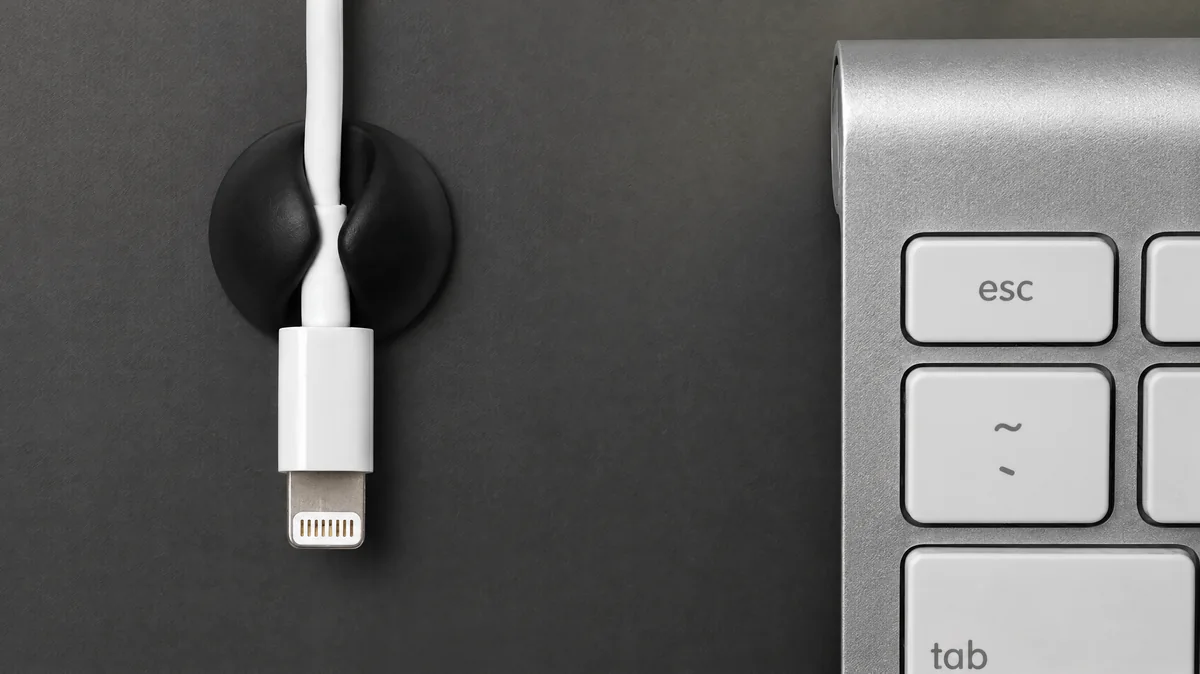
A monitor arm lifts the screens, but the cables still have to go somewhere. An under-desk tray catches power bricks and spare length so the arm can move without dragging cables across the desktop. Our cable management guide compares this with bundling and adhesive options.
IKEA SIGNUM

SIGNUM is a powder-coated steel under-desk cable tray measuring 70 by 16 cm, with a listed maximum load of 10 kg. It pairs well with an arm because the video and power cables can drop down the arm’s post straight into the tray.
Limitations: IKEA says it is unsuitable for glass tabletops. The page we checked is a UK listing, so confirm local availability and that the mounting position does not collide with your arm’s clamp or a standing desk frame.
Common mistakes when buying a monitor arm
- Using weight with the stand attached. This can push a monitor out of range on paper, or hide that it falls below the minimum once the stand comes off.
- Adding two monitors together. Dual arm ranges are usually per display. A combined figure gives the wrong answer.
- Trusting diagonal size alone. Two 32-inch monitors can weigh very different amounts.
- Mixing up variants. Similar product pages often list several models. Specs for the VIVO V032 or V038 do not apply to the V002, and HUANUO regional pages differ.
- Ignoring what sits under the desk edge. Drawers, frames and lips are the most common reason a clamp will not fit.
- Leaving no cable slack. Tight cables fight the arm’s movement and strain connectors, especially on standing desks.
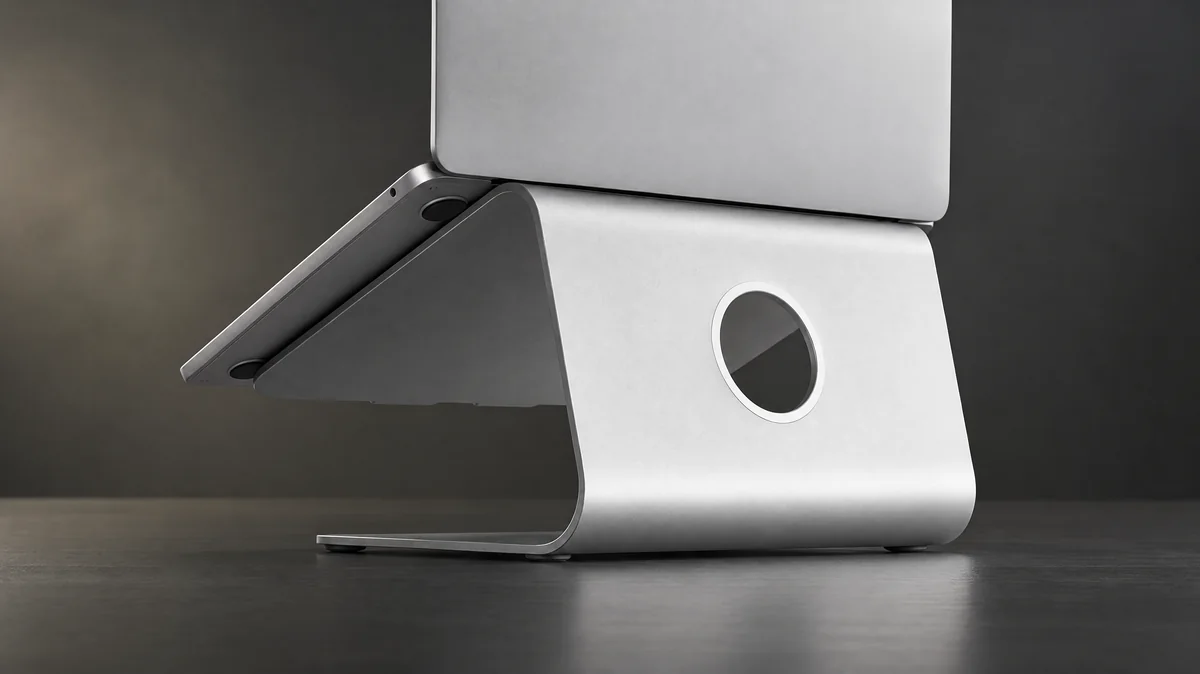
- Forgetting the laptop. If a laptop sits beside the arm, a stand keeps it near screen height. See our laptop stand guide, and the USB-C hub guide if you need video and charging through one cable.
The best monitor arm for desk use is rarely the most expensive or the most famous one. It is the arm whose weight band, size range, VESA support and mounting method all fit your monitors and desk. Measure first, confirm the exact SKU, and the choice usually narrows to one or two options. For more setup ideas, browse our desk and setup guides.
Frequently asked questions
How do I know if a monitor arm will fit my desk?
Check four things before buying. First, weigh your monitor without its stand and compare that to the arm's per-display range. Second, confirm the monitor's VESA pattern. Third, measure your desktop thickness and look for a lip, crossbar or drawer under the edge where a clamp would go. Fourth, check that you have space behind the desk for the arm to move. If any one of these fails, the arm will not work well.
Can I use a monitor arm on a desk pushed against a wall?
Usually yes, but a clamp mount needs a small gap behind the desk for the clamp body, and the arm's elbow often swings behind the mounting post as you push screens back. Measure the space between the desk edge and the wall, then read the installation manual for the clamp footprint. A grommet mount through an existing desk hole can need less rear clearance than a clamp.
Can you put a monitor arm on a standing desk?
Many people do, because the arm moves with the desktop as it rises and lowers. Check that the frame, crossbars and motor housing leave room for the clamp under the desktop edge, and remember the arm adds weight to the desk's total load. Leave enough cable slack so nothing pulls tight at the highest desk position. Confirm the arm's mounting options against your exact desk model.
Do all monitors work with monitor arms?
No. The monitor needs VESA mounting holes on the back, or a manufacturer adapter that adds them. Some slim or curved monitors have recessed holes that need spacers or longer screws. Even with VESA holes, the monitor's weight without its stand must sit inside the arm's rated range. A monitor that is too light can be as much of a problem as one that is too heavy on spring-tensioned arms.
Is a clamp or grommet mount better for a desk?
Neither is better for every desk. A clamp is easier because it grips the desk edge without drilling, but it needs a clear, solid edge. A grommet mount passes through a hole in the desktop, which suits desks with an existing cable hole or a wall behind them. Some arms, such as the HUANUO HNDS6, list both options, which gives you more flexibility if you move desks later.
Research-led guides for better PC setups. Read how we select and check gear.